
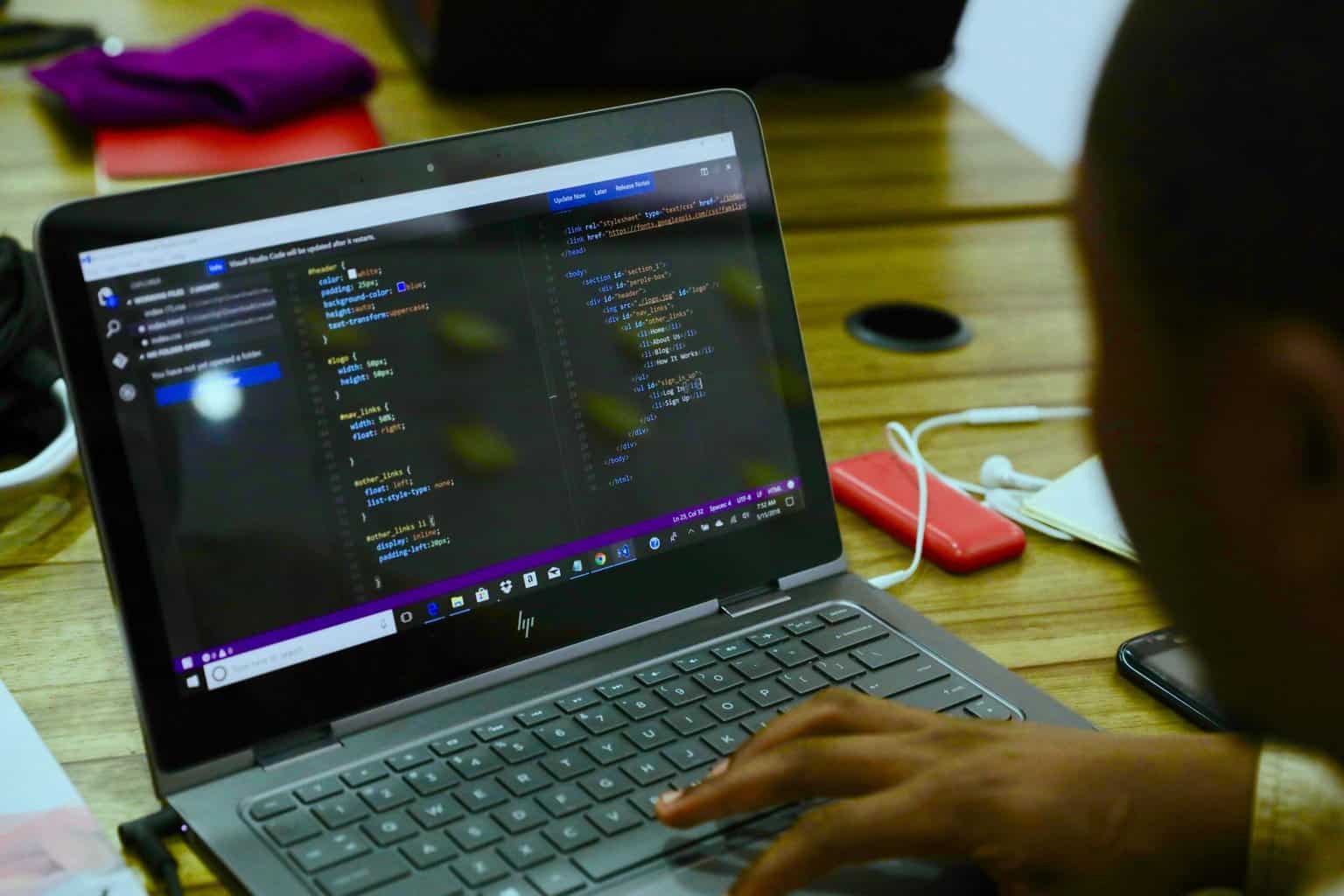
Coding is one of those things that we know is a really useful skill. Peggy’s had a lot of fun using Scratch in the past, building games by copying code from some books and websites, and then using that knowledge to develop her own games and quizzes.
But as fun as Scratch is, at some point we knew we needed to start learning a text-based programming language. We heard some years ago, during an open day at Manchester High School, that Python was a good language to start with – being fairly straightforward to learn and allowing you to quickly put together usable programs.
Oak National Academy (which we’re big fans of, particularly for IT-related subjects) has a couple of Python courses aimed at Key Stage 3 pupils, so we thought we’d take a look at the first of these: Intro to Python Programming, aimed at Year 8.
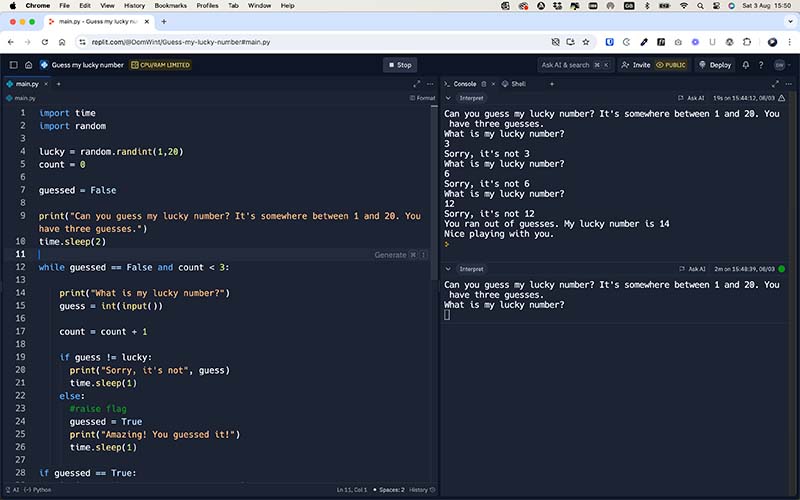
The six-part course is led by Rebecca, who is incredibly enthusiastic about the subject and goes at a very manageable pace. We had briefly delved into Python at some point in the past, so we were familiar with the basic syntax, and used to using a free website called Replit that allows you to write and test Python code in a browser.
Each lesson features a video of about half an hour in length, but don’t be fooled into thinking these are quick 30-minute lessons you can race through; you’ll need to add some time to write and test your code, and if you decide to fully go through each task on the accompanying worksheets then you will need to factor in at least an extra 30 minutes to complete each lesson.
The course builds nicely, starting with an introduction to setting variables and assigning values. From these simple beginnings you are guided through how to do simple calculations, how if/else branches work – allowing you to give options to your users – and ultimately to iterate sequences so you can keep asking questions until certain conditions are met (eg keep asking random times-table questions until a user gets 10 correct answers).
By the end of the six lessons, alongside your times-table quiz, you’ll have created a “Guess The Random Number” game, again using iterative sequences, where users are given a set number of chances to guess a number and then congratulated or commiserated depending on if they guess it correctly.
One element of Python that we were introduced to was the concept of importing modules into our code – libraries of pre-built code that allows you to extend your programming without writing a lot of extra lines of code.
In this course, the module we were introduced to is called “random” – which allows us to generate random numbers based on certain criteria which we set.
import random
variablename = randint(0,10) # Generate a random number between 0 and 10
This led us a little further down the modules path, where we discovered a module called “time”, which allows us to create time-based functions. One advantage to doing this is to make your code seem a little more “human”.
As an example, when you run a quiz built with standard Python code everything happens instantly: all the questions appear the nanosecond they’re supposed to, as do the answers and the success messages.
import time
time.sleep(1) # Sleep for 1 second
By importing the time module, we were able to delay the questions, answers and success/failure messages so that it seemed like Replit was having to have a little think about things. Not a really great or useful feature, perhaps, but something that just allowed us to extend the learning that little bit further.
Another thing we tried to do was to imagine where what we were learning would have a practical application. In all honesty, the first three lessons were quite conceptual; we seemed to be making Python do certain things in order to test out ideas. By the end of the course, with the times-table challenges and lucky-number game, it really felt like we were making things that would have a real-world use.
There is a second part to the Key Stage 3 Python lessons on Oak National Academy. It’s aimed at Year 9 and called Python Programming with Sequences of Data. We will give this one a go, but be prepared to have to do some further research if some of the concepts are a bit too advanced for now. We have also found a course on YouTube run by FreeCodeCamp which gives you the tools to build a number of well-known games. Peggy’s eyes lit up at the prospect of building a Tetris-like game, so we are keen to give that one a go. Even if it ends up just being a copy-the-code exercise, we’ve found in the past that this does have value and teaches us concepts we can use in the future.
Monthly Round-Up

May 2025
Computing related posts
Workshop at The National Videogame Museum
Categories
Trips | Art, Design and Technology | Computing | UK Day trips – near Manchester
You CAN build Rome in a day!
Categories
Games Masters (or Mistresses?)
Categories
